 Addify
RenderBones
by Koen Vissers
RenderBones
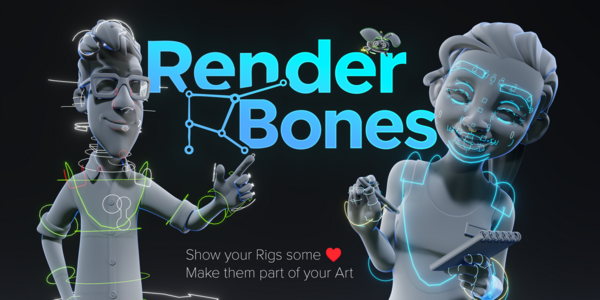
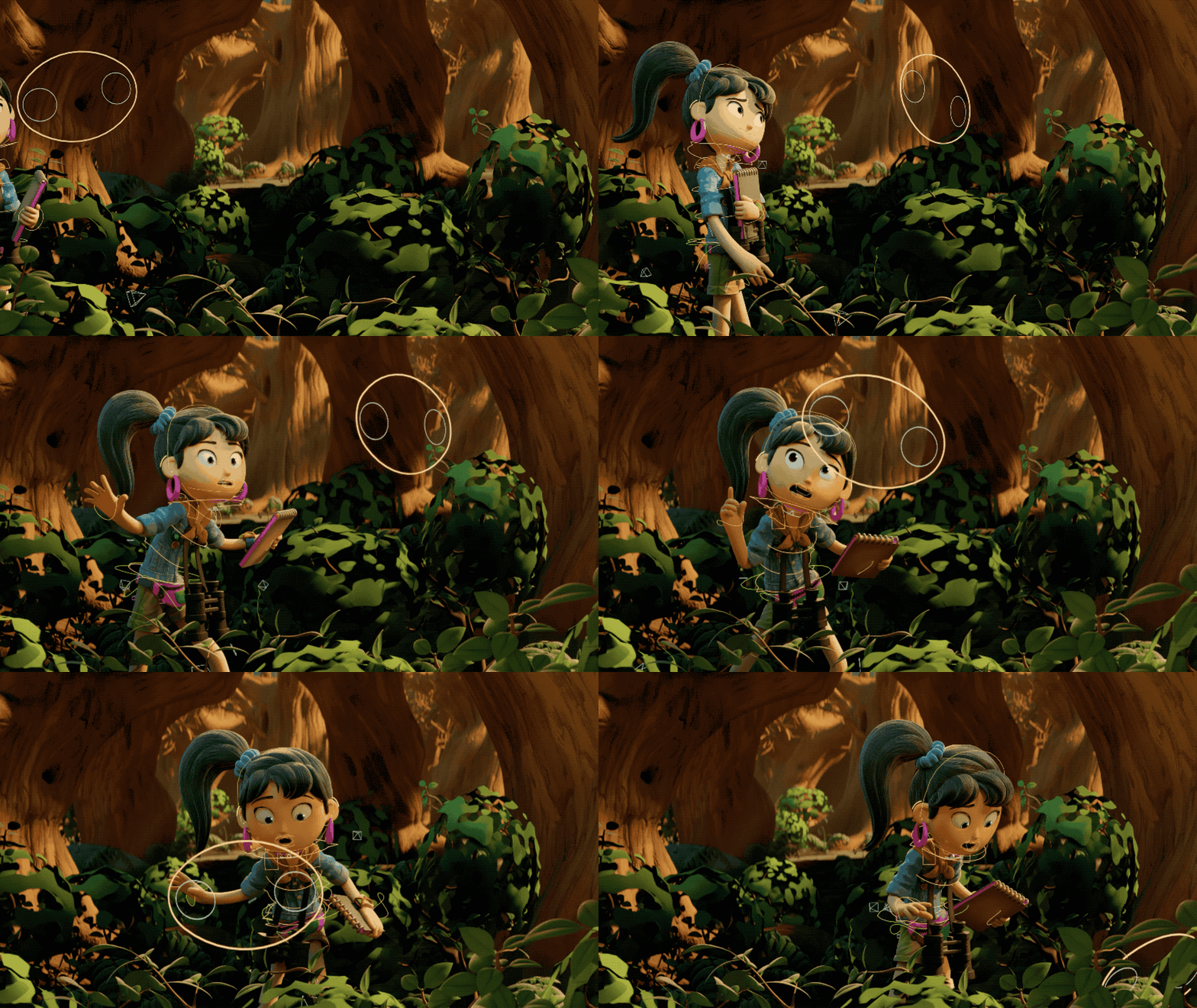
Your rig disappears the moment you hit render. RenderBones turns every bone shape into real, renderable geometry — coloured, shaded and moving with your animation.
1 CLICK
One button.
No setup, no rebuild.
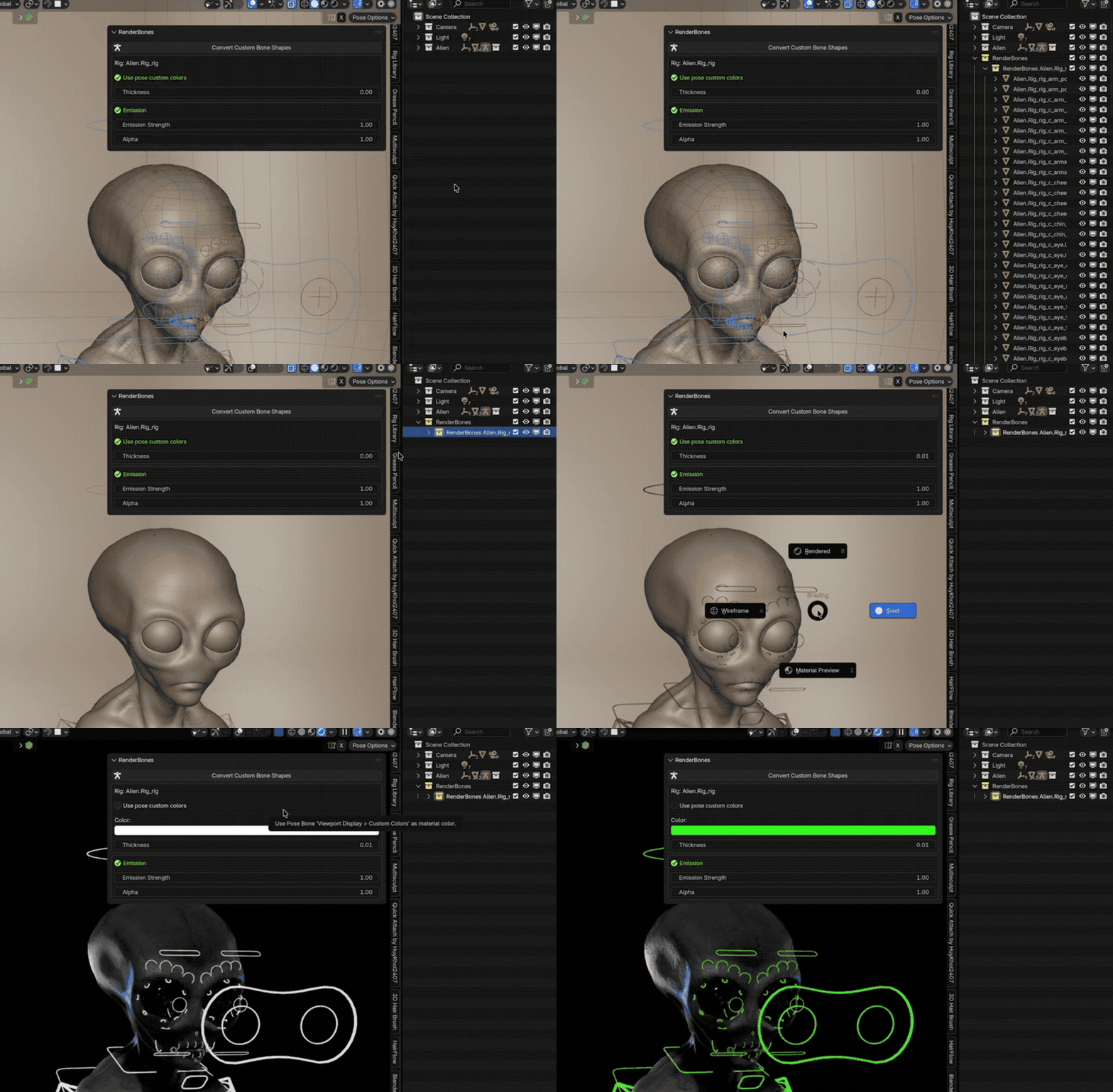
Select your armature, press Convert Custom Bone Shapes, and the whole rig turns renderable — parented to the bones, already shaded, already animated. Nothing to wire up by hand.
The rig you built should be visible.
Bone shapes are viewport-only overlays — Blender never renders them. Getting a rig into a breakdown or a showreel normally means duplicating shapes by hand, re-parenting them, re-linking materials, and doing it all again after every rig change.
Without RenderBones
• Bone shapes never show up in the render
• Duplicating and re-parenting every widget by hand
• Pose offsets and bone colours rebuilt manually
• Change the rig and you start over
With RenderBones
• Every bone shape becomes renderable curve geometry
• Bone-parented automatically — it follows the animation
• Pose offsets, scale and bone colours carried over
• Rig changed? Press the button again
Custom shapes, default shapes — all of it.
Meshes, curves, surfaces, text and even empties become clean, renderable curve objects — each one parented to its bone and shaded from that bone’s own colour.
Custom bone shapes
Mesh, curve, surface, text or empty widgets — converted to curves and traced edge-chain by edge-chain.
Default bone shapes
Octahedral, Stick, B-Bone, Envelope and Wire — rigs with no custom widgets at all now render too.
Bone colours
Bone Colour first, Pose Bone Colour as fallback — custom colours and Theme Colour Sets resolved automatically.
Emission
Drive emission straight from the bone colour, with its own strength — glowing rigs in one toggle.
Alpha & blending
Dial the rig back to a ghost. Blend mode and shadows switch over automatically below full opacity.
Uniform thickness
One slider sets tube thickness for the whole rig — scale-compensated per bone, so nothing comes out chunky.
It moves with your animation
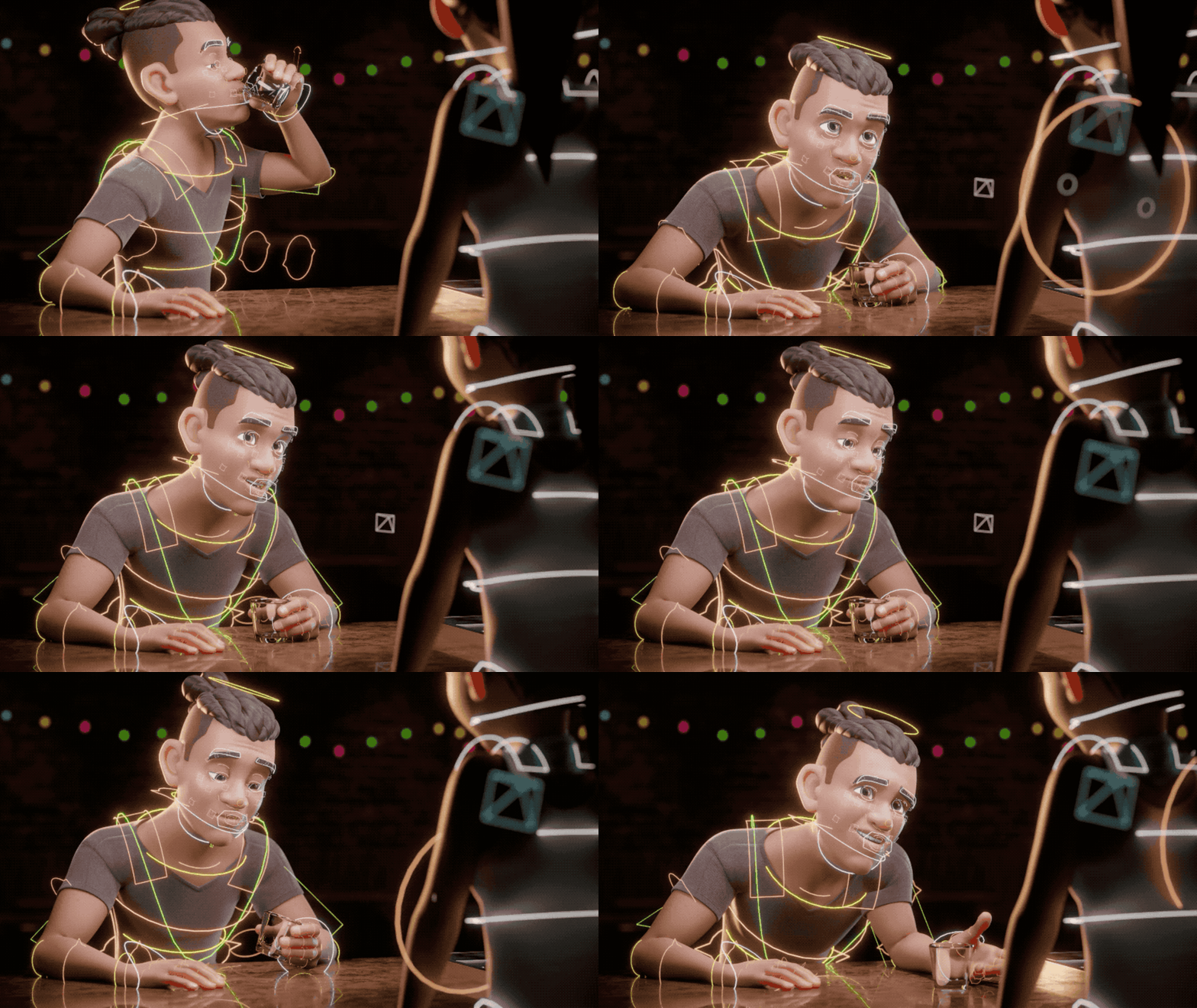
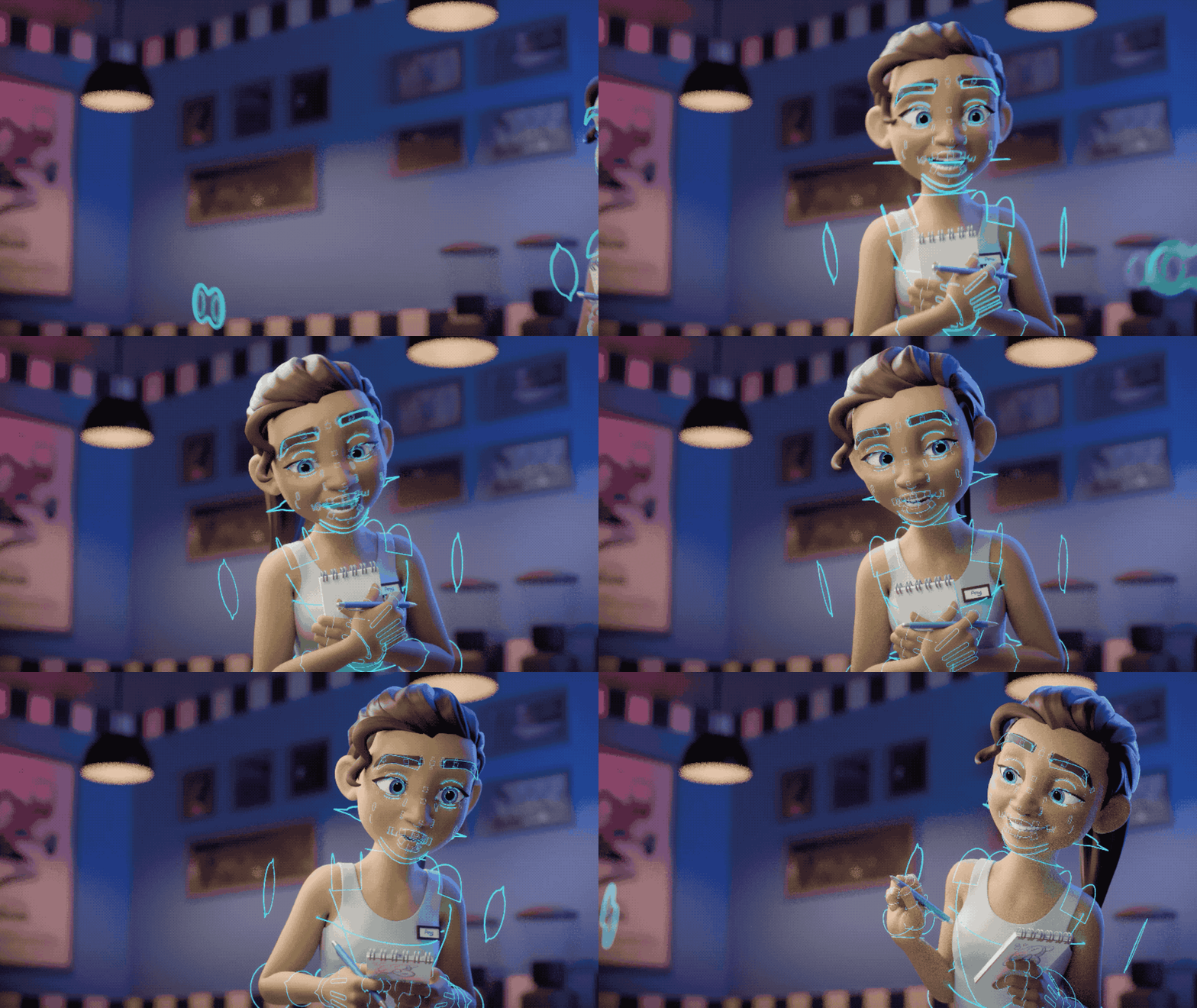
Every generated curve is bone-parented with the pose matrix baked into its parent inverse, so it sits exactly where the widget sat — including Custom Shape Transform offsets, rotation, per-axis scale and Scale to Bone Length. Play the timeline and the rendered rig moves with the rig. Hidden bones and bones on hidden bone collections are skipped, so what you see is what you get.
Everything lands in its own RenderBones collection, one sub-collection per armature — colour-tagged and easy to hide, link or exclude from a view layer. Your scene outliner stays clean.
Every slider updates live.
Colour, thickness, emission and alpha all restyle the existing rig instantly — no re-converting to see the change. Find it in the 3D View sidebar under the RenderBones tab.
Use bone colours or switch to a single custom colour for the whole rig.
Thickness one uniform tube radius across every converted bone.
Emission & alpha make the rig glow, or fade it back behind the character.
Default-shape override force Octahedral, Stick, B-Bone, Envelope or Wire — the viewport follows along.
Convert only what you need. In Pose Mode, RenderBones converts just the selected bones instead of the whole rig — so you can render a single arm, one control chain, or one bone collection.
Rig breakdowns, showreels, and shots that show the work.
For riggers, animators and anyone who wants their rigging work on screen instead of hidden under the mesh — behind-the-scenes shots, tutorials, portfolio pieces, glowing sci-fi skeletons.
Works in Eevee and Cycles
Real geometry with a real Principled BSDF — not a viewport overlay. Whatever renders your scene renders your rig.
Blender Extension ready
Installs as a Blender Extension from 4.2 onward. Drag the zip in, or use Preferences → Add-ons → Install from Disk.
Still getting better.
28.04.2026
Default bone shapes. Rigs that never got custom widgets now convert too — Octahedral, Stick, B-Bone, Envelope and Wire, either following the armature’s viewport display type automatically or forced to one you pick.
27.04.2026
Theme Colour Sets. Bone colours now resolve through Blender’s theme palettes as well as custom colours, so themed rigs come out looking like they do in the viewport.
13.04.2026
Curves instead of meshes. Bones are generated as curve objects — lighter and far easier to edit afterwards. Plus selective conversion of only the bones selected in Pose Mode, and uniform thickness that fixes the old per-bone scaling issues.
Stability — and support
In testing, RenderBones has been stable and smooth — but as with any Blender add-on, small bugs can happen. If you run into something, send me a message here or an email. I’ll help, and it goes into the next release.
Used character assets
“Rain”, “Snow”, “Ellie”, “Vincent” and “Ladybug” — © Blender Studio.
Sources: Rain, Snow, Ellie, Vincent, Ladybug (Forest Animals).
License: Creative Commons Attribution 4.0 International (CC-BY 4.0). Modified for demonstration purposes within the RenderBones Blender add-on.